DIY build · 3D printing · ESP32

DataGlass

A display on the temple of your glasses. Any part of your PC screen, a measuring instrument or a clock – at a glance, over WiFi, with sound.

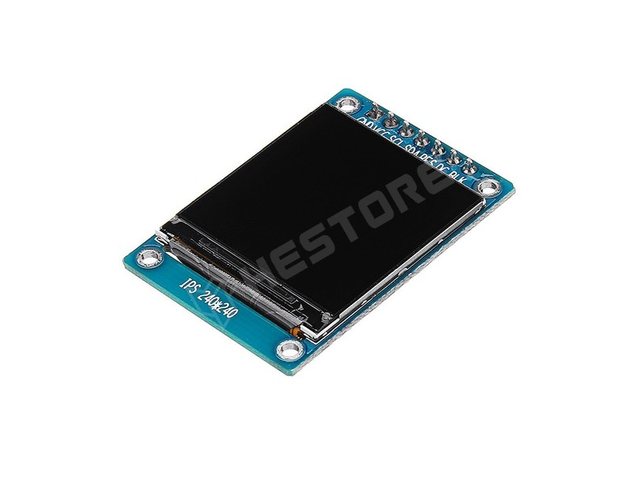
240 × 2401.3" IPS display
20 fpslive video over WiFi
32 kHzearphone
2touch buttons
USB-Cfrom a power bank
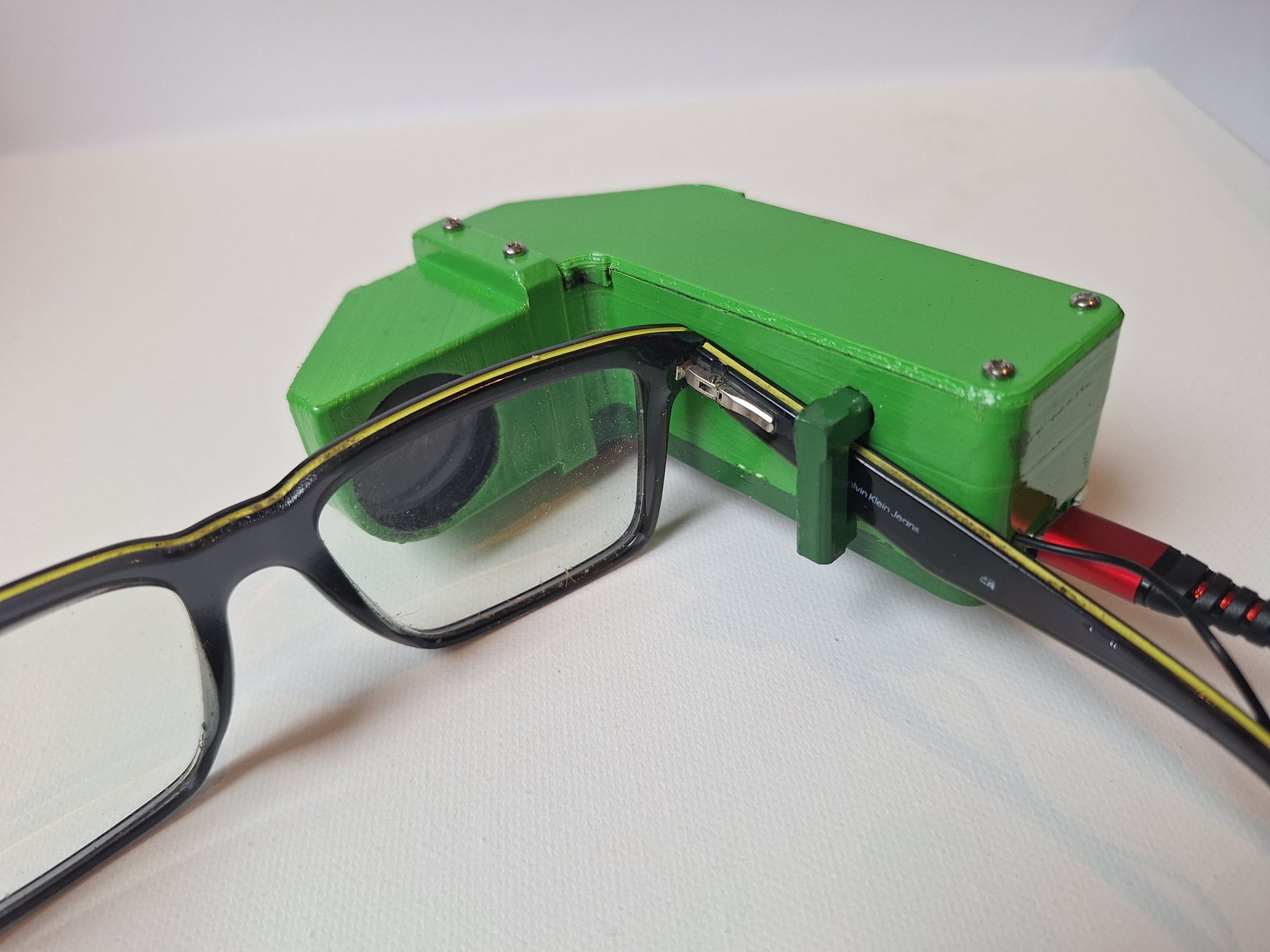
DataGlass on the temple of the glasses
3D model

What it looks like

The head unit in Fusion 360 – four main printed parts: housing, lid, eyepiece and the spring-loaded hook. Below it, the finished device in action.

The finished glasses: a live Phoebus control screen seen through the lens.
Optics

The light path

The display faces forward along the temple. Two mirrors turn the image in front of the eye, and the lens “moves” it far away, so it appears sharp.

temple of the glasses display fold mirror 45°, front surface eye mirror 45°, front surface lens f = 92 mm eye virtual image approx. 1.4 m away, 14.5° × 14.5° display → lens: 86.7 mm top view (not to scale)

Full picture

All 240 × 240 pixels are visible, and the eye can move about ±10 mm.

Fixed focus

The display sits just inside the focal length of the lens: a magnified, distant virtual image.

Light-tight path

A closed cavity and overlapping joints keep stray light out.
Assembly

What is inside?

Exploded view: the printed parts in the middle, the built-in components around them. Click to enlarge.

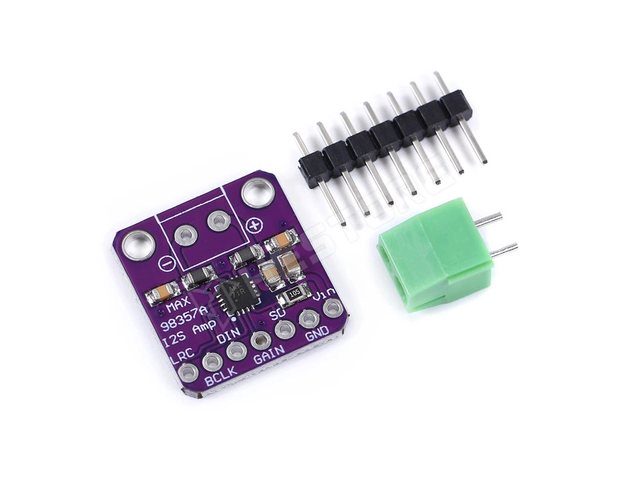
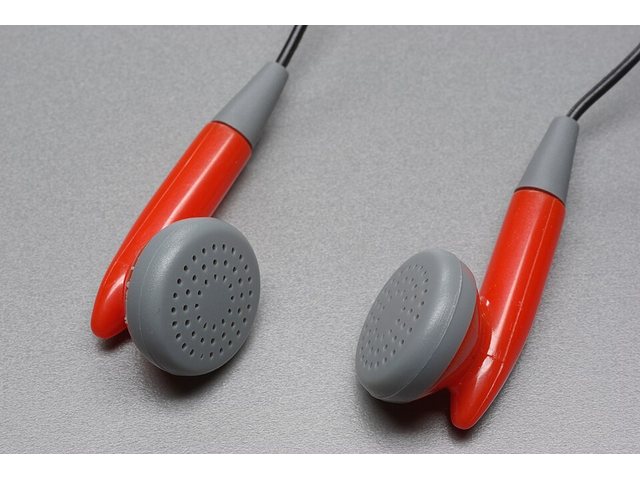
1Compression springØ8.9 × 35 mm, pulls the hook 2M2 × 10 socket screwspring stop on the shaft 3Your own glassesthe temple goes under the hook 4Resistors2 × 150 Ω + 100 kΩ 5MAX98357AI²S audio amplifier 6Earphoneright side, soldered in 7Power bankUSB-C, 5 V 8XIAO ESP32-S3WiFi + control 92 touch padscopper or aluminium foil 10M2 screws, nuts6 × M2×6 + 8 nuts 11Eye mirrorfront surface, 32 × 25 mm 12Lensplano-convex Ø28, f = 92 mm 13Fold mirrorfront surface, 33 × 33 mm 141.3" IPS display240 × 240, ST7789 Housing Lid Eyepiece Hook Spring stop Trim strips (2)
built-in component 3D-printed part (PLA) All screws go into metal nuts – no threads cut into PLA.

Detailed guide: Assembly · Wiring

Electronics

One tiny board runs everything

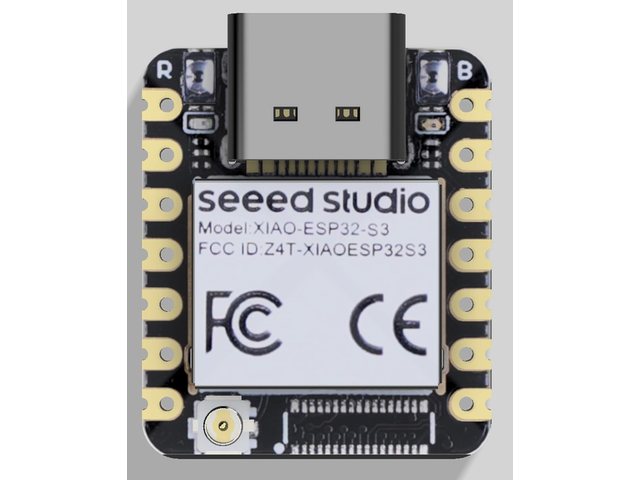
No box around the neck: a power bank feeds the XIAO ESP32-S3 over USB-C, which drives the display and the audio and reads the touch pads.

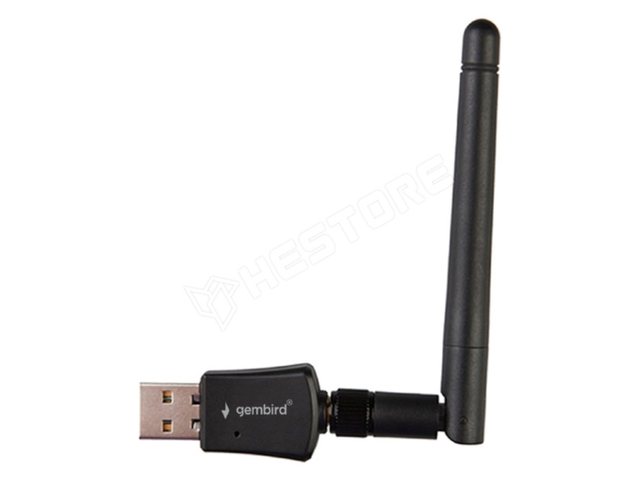
PC + USB WiFia second adapter, internet stays on
2,4 GHz
➜
XIAO ESP32-S3its own WiFi network (SoftAP)
UDP
➜
DisplaySPI, brightness via PWM
40 MHz SPI
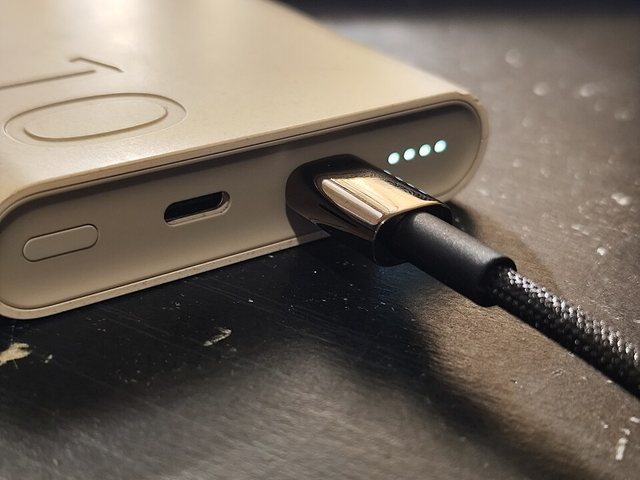
Power bankover a USB-C cable
5 V
➜
2 touch padscapacitive, on the side of the housing
ESP32 touch
➜
MAX98357Adigital audio → amplifier
I²S
➜
Earphonethrough 2 × 150 Ω
right ear
Video link and compression

20 frames per second

The PC renders the picture, the glasses only display it. If the link allows, frames go uncompressed; if not, the program switches to JPEG automatically.

Size of one frame

Raw RGB565115,200 bytes · 83 packets
JPEG (quality 85)approx. 8–20 kB

Data rate at 20 fps

Raw18.4 Mbit/s
JPEGapprox. 3 Mbit/s
  • Raw frames: exactly the byte order the display expects – packets go straight to it as they arrive.
  • Automatic switching: JPEG below 17 fps or above 5% bad frames; after 60 s it tries raw again.
  • Packets: 1400-byte UDP chunks; a missing chunk only leaves a stripe.
  • Measured: 20 fps, ~1% bad frames.
  • Why not Bluetooth? BLE gives about 1–1.5 Mbit/s – not enough for 18 Mbit/s.
Audio

PC sound in the earphone

Windows sees the glasses as a speaker. Sound travels over the same WiFi link as the picture.

Windows audioVB-CABLE virtual audio cable
any application
➜
DataGlass appvolume, mute, test tone
32 kHz · 16 bit · mono
➜
WiFi / UDP20 ms packets (640 samples)
50 packets/s · ~0.5 Mbit/s
➜
Glasses60 ms buffer, I²S
MAX98357A
➜
Earphonethe amplifier switches off in silence
~100–150 ms latency
Controls

Two touch pads, four gestures

On the side of the housing: A pages forward, B pages back between screens. Every gesture can be mapped to any function on the PC.

Tapshort touch
Doubletwo quick touches
Longheld for 0.7 s
Holdrepeats while held
Multimeter mode

The reading right in front of your eye

The OWON B35T+ multimeter sends its readings to the PC over Bluetooth LE, and the PC draws them on the glasses. No need to look at the meter while probing.

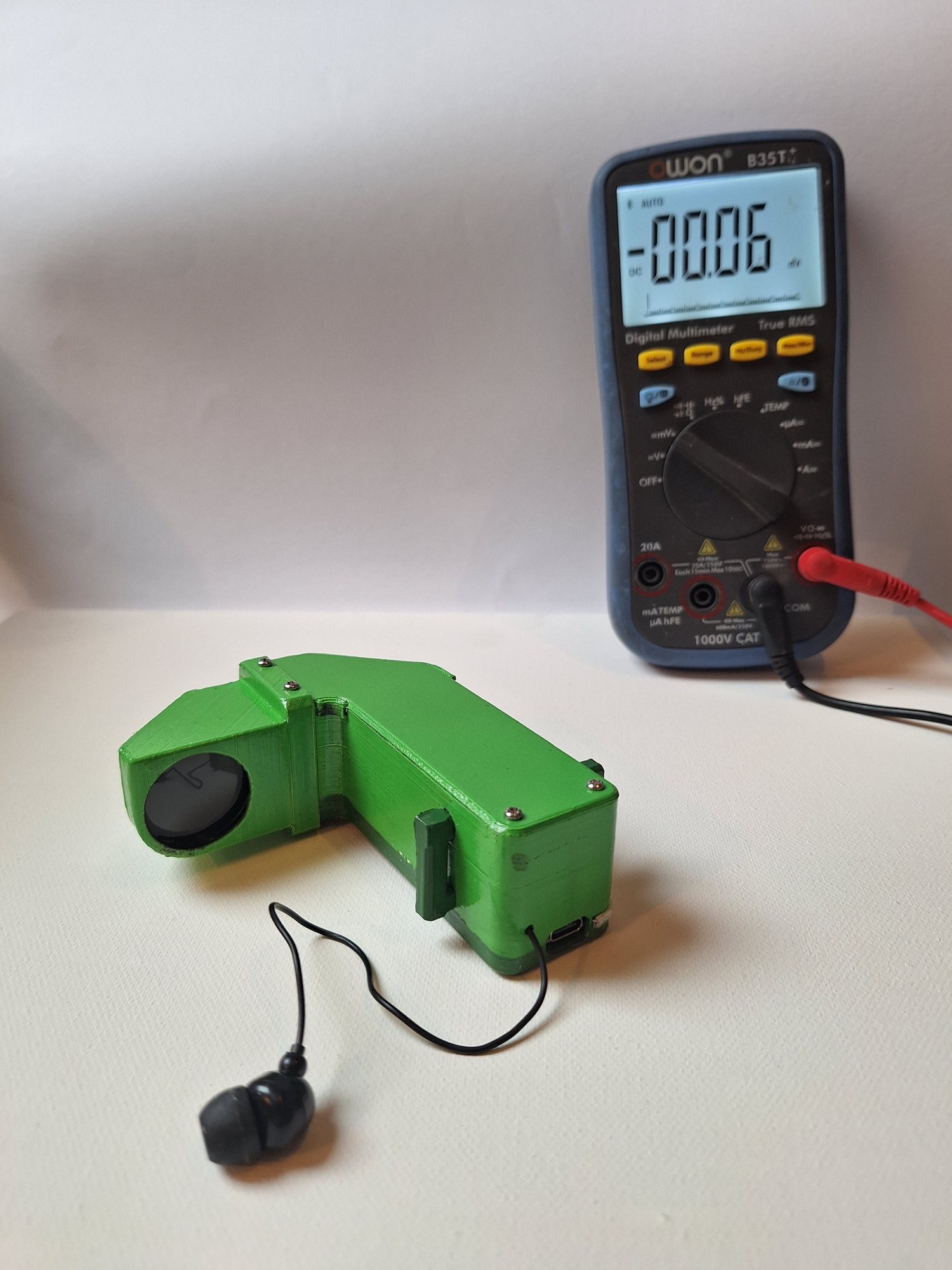
DataGlass and the OWON B35T+ multimeter
The OWON B35T+ and DataGlass.
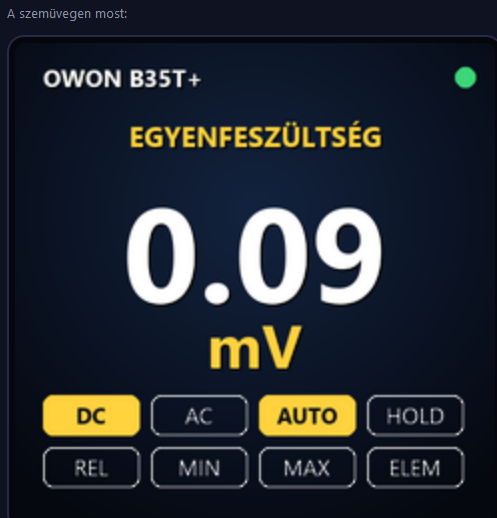
The OWON Multimeter screen on the glasses
The “OWON Multimeter” screen as it is sent to the glasses.
OWON B35T+the meter pushes every new reading by itself
BLE notification
➜
PC Bluetooththe laptop’s own Bluetooth, the glasses are not involved
6 bytes / reading
➜
Decodingmode, prefix, decimals, flags, signed value
3 × 16 bit
➜
Glassesthe screen goes out over WiFi like the others
20 fps

What it shows

The mode (e.g. DC voltage), the value in large digits, the unit with prefix (mV, kΩ, µF…), and a red “OL” on overload.

Flags like on the meter

DC, AC, AUTO, HOLD, REL, MIN, MAX and low battery – active flags light up in yellow.

Link indicator

The dot in the top right is green: fresh reading; yellow: connected but no data; red: not connected.

All modes

Voltage and current (DC/AC), resistance, capacitance, frequency, duty cycle, temperature, diode, continuity, hFE.
PC app

DataGlass for Windows

Finds and connects the glasses, renders the screens, and sends picture and sound. (The app’s user interface is in Hungarian.)

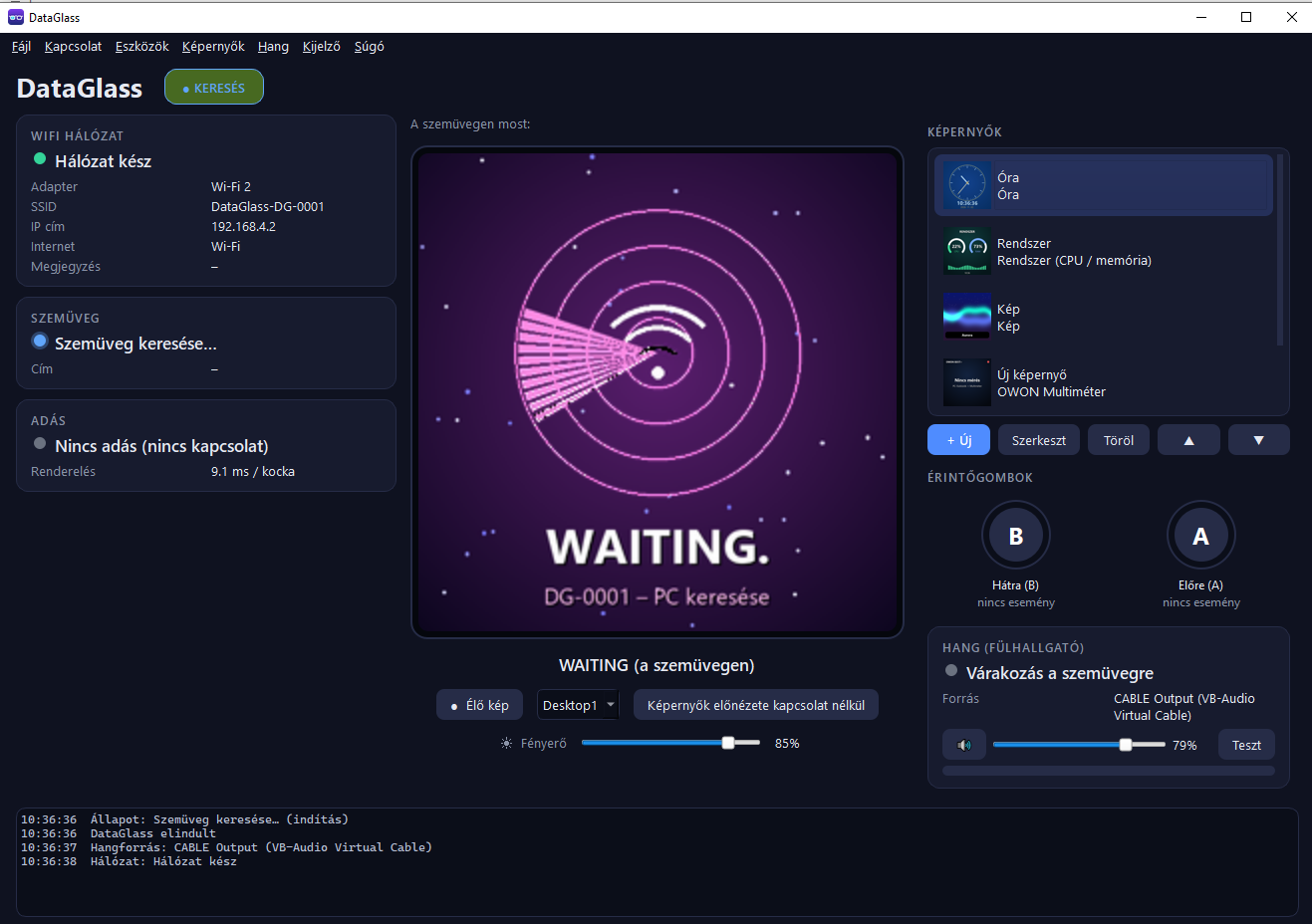
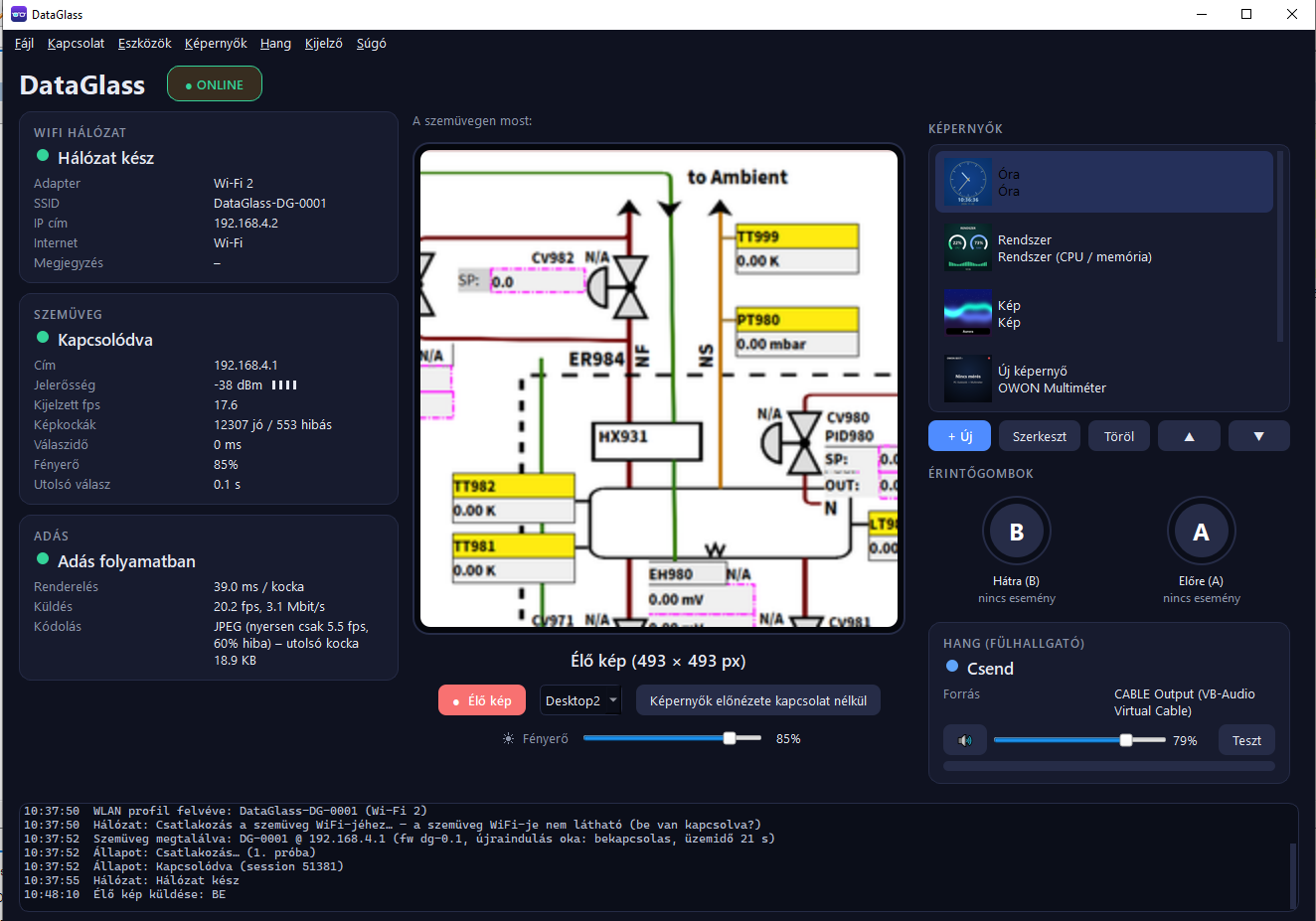
Main window of the PC app
Waiting: the glasses show an animation until connected.
Sending live video
Live view: the area under the red frame goes to the glasses – even from another virtual desktop.

Automatic connection

Discovery, connection, reconnection, signal strength and fps display.

Screens

Clock, CPU/memory, image, OWON B35T+ multimeter over Bluetooth.

Live view

A movable, resizable red frame; the virtual desktop can be selected.

Brightness and sound

Display brightness and volume with sliders or hotkeys.
Gallery

The finished glasses

The finished device. In the videos the picture is filmed through the lens, as the eye sees it.

DataGlass on the temple of the glasses
On the temple: held by the spring-loaded hook.
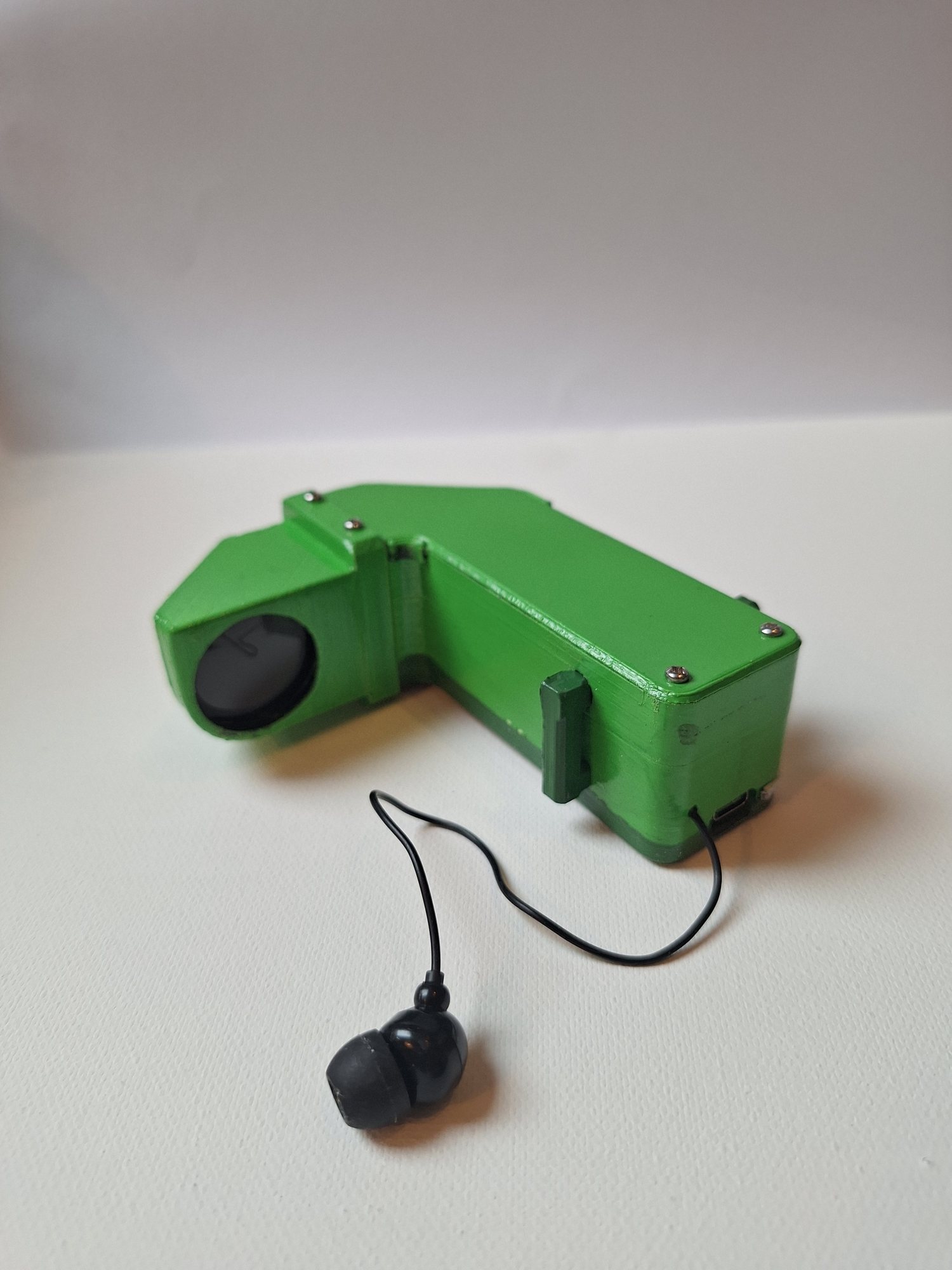
The finished head unit with the earphone
The finished head unit with the soldered-in earphone.
DataGlass and the OWON B35T+ multimeter
With the OWON B35T+ multimeter: the reading also appears on the glasses.
Different content through the lens.